Portfolio
Everything I've built: my studio, my jobs, my Unity tools, my personal projects.






Build Pipeline: 16 builds, two clicks, four stores



Every build of the project one click away from the Build Settings, then from Unity to each store: Android, iOS, Epic Games (Windows / macOS) and Steam, with little left to do by hand.
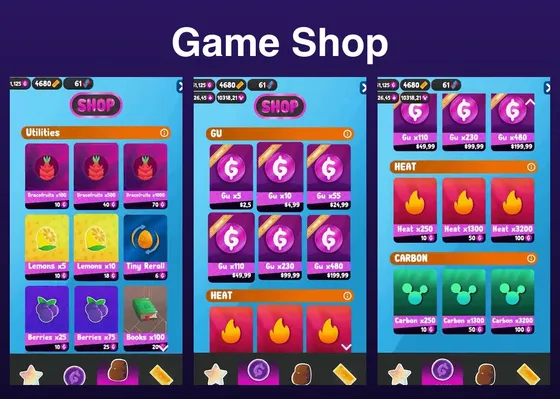
Game Shop: free to play, live data, every payment checked, blockchain and NFTs managed
The shop of Kugle: data the team changes live, seven ways to pay, and a server that checks every payment.
Timeline: easy animations, in the editor and online, synced to the beat
Animations and events on a time rail, played in the editor.

Intelligent Outline: hold Shift, click exactly what you see
Hold Shift: the object under the mouse is outlined, through every transparent layer. One click selects it.
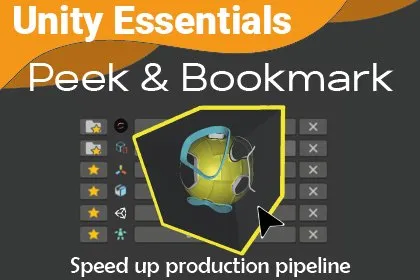
Peek and Bookmark: Unity selection history & bookmarks
Unity Asset Store editor tool: browse previously selected objects, bookmark assets and GameObjects, and quickly select objects hidden behind others.

Rotation and Matrix TRS
Rotating a point around another in 3D space from any axis, without gimbal lock, using pure math (matrices and quaternions) and without any Transform or empty GameObject.
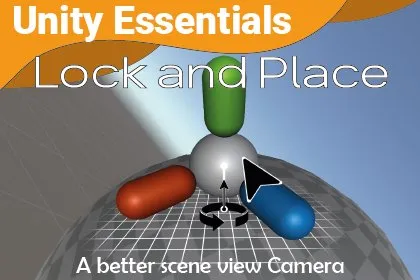
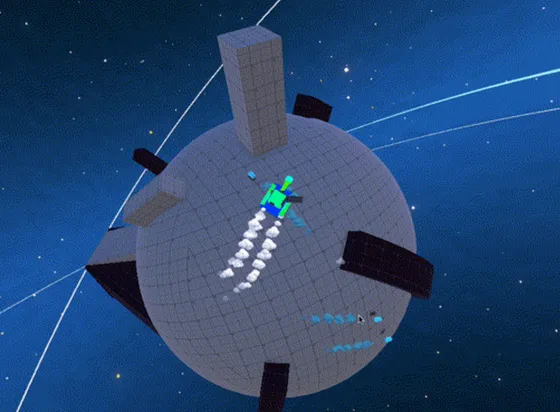
Lock And Place: Unity level design toolkit
Unity Asset Store editor tool: place props on any surface in a click, and lock the Scene view camera onto an object for planetoid level design.
Event 2.0: one-line UnityEvent with cross-scene targets
UnityEvent on one line, any arguments, other scenes.
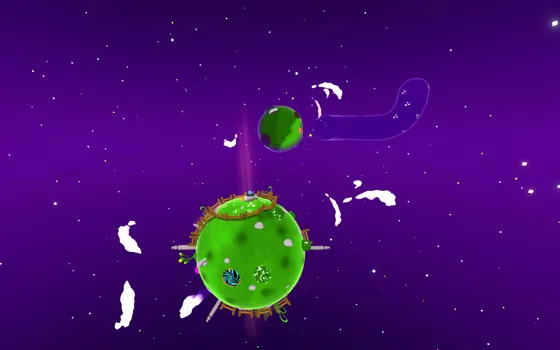
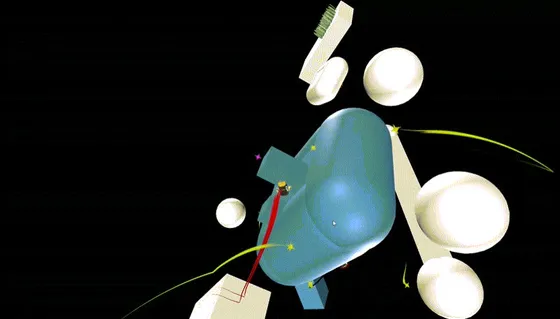
A Mario Galaxy Look on a Phone: fog culling, sky fog, automatic quality, baked shadows
The look of Super Mario Galaxy at 60 FPS on a phone, in one Unity project with the PC version.
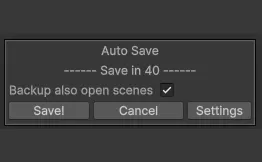
AutoSave: the save Unity still does not do for you
The scene save Unity does not do, with dated backups.
.env files in Unity: passwords out of the code and out of Git
Passwords out of the code, and out of the game players install.
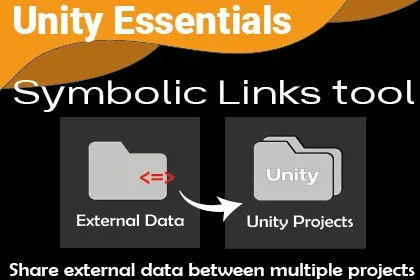
SymLinks: share folders between Unity projects
Unity Asset Store tool: link external folders into several Unity projects, push them to Git, and see at a glance which files come from outside.
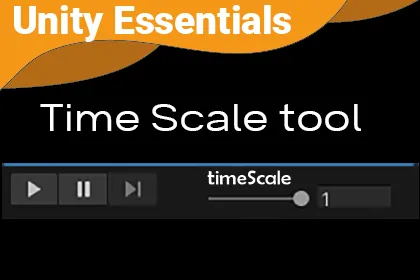
TimeScale: slow down time in the Unity editor
Unity Asset Store tool: a TimeScale slider in the editor to slow down or stop time at any moment, for debugging physics or capturing slow motion.

Ultra-fast selection of GameObjects hidden behind others
Quickly select the GameObject you want, even when it is hidden behind others, with a simple click and the scroll wheel.

Switch camera projection
Swap the camera projection from perspective to orthographic using a linear interpolation function coupled with an easing function.

Move a parent and keep its children in place
How to move, rotate and scale a GameObject without affecting its children.
Screenshot any editor window, and read the pixel under the mouse
Take a screenshot of an EditorWindow with a simple key press, to quickly share the Game view or the Profiler with your teammates. Bonus, recreate Unity's color picker by reading a single pixel at the mouse position.

Scene Context Loader: a whole level in one click
Scene Context Loader: a whole level, its scenes and its camera, loaded in one click, in the editor or in the game.

Selection history: go back to what you selected
Access previously selected objects in Unity with a simple button, to backtrack quickly in large projects.
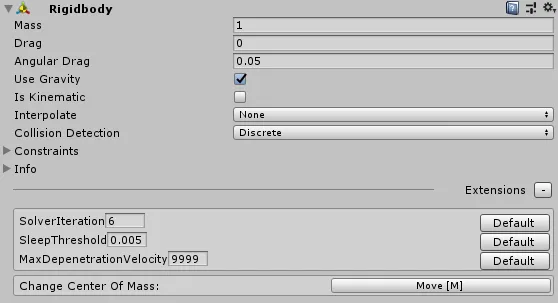
Edit hidden variables of Rigidbody
Change the center of mass and other hidden variables of your Rigidbody directly from the editor.

Folder junctions: one folder shared by several Unity projects
Use an external directory inside your Unity project using a folder junction. Unlike a simple symbolic link, a junction can be pushed to git, so you can share a "framework" directory between multiple Unity projects.

Animator Extension: how to use advanced reflection step by step
Auto-play the first animation of an Animator from the scene view, without any additional script on GameObjects!

Change the mouse position by code in the editor
Save and load the position of the mouse inside Unity (editor only, Windows), for tools purposes only.

Enhance the built-in components of Unity
Add behavior to any built-in Unity component using custom inspectors and reflection.

Hide GameObjects from the game camera or the scene view
How to hide GameObjects from the game camera, or from the scene view, without deactivating them.
EditorOnly components and actions when building
Remove the components you don't want in the build while keeping them on your GameObjects, and execute actions when you build your application.

Chrono and cooldown timers
For all your timers and cooldowns in Unity. No more Invoke(), coroutines or testing the time the hard way inside Update().
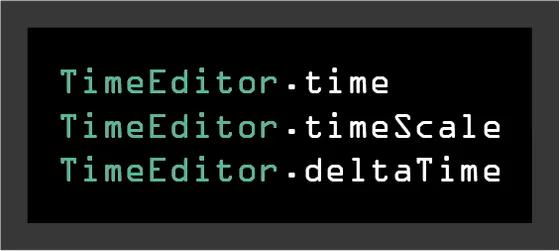
Time, timeScale and deltaTime in the editor
A TimeEditor class which mirrors the behavior of Unity's Time class in edit mode. Useful for tools that need timers and slow motion.