Unity Devlogs
Tools, useful scripts and workflows I've created or improved over the years, mostly Unity editor tooling in C#. Every article comes with the full source code.
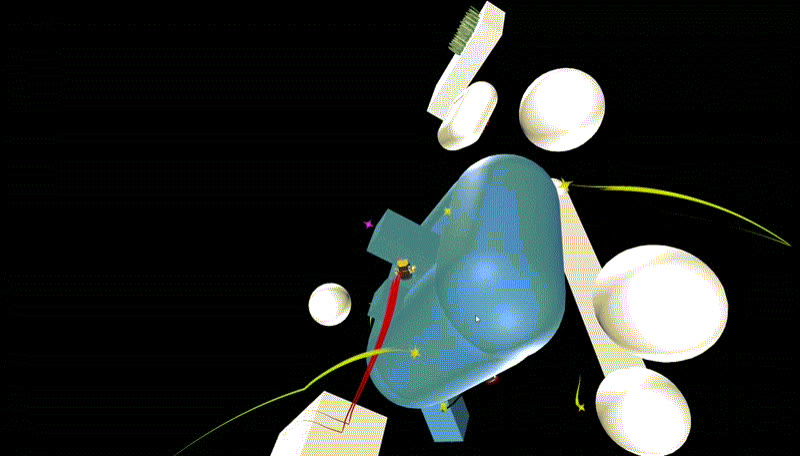
Gravity Platformer: patent
A Mario Galaxy-like gravity platformer system in Unity: Attractors, GravityOverrides, line editors and Zones.
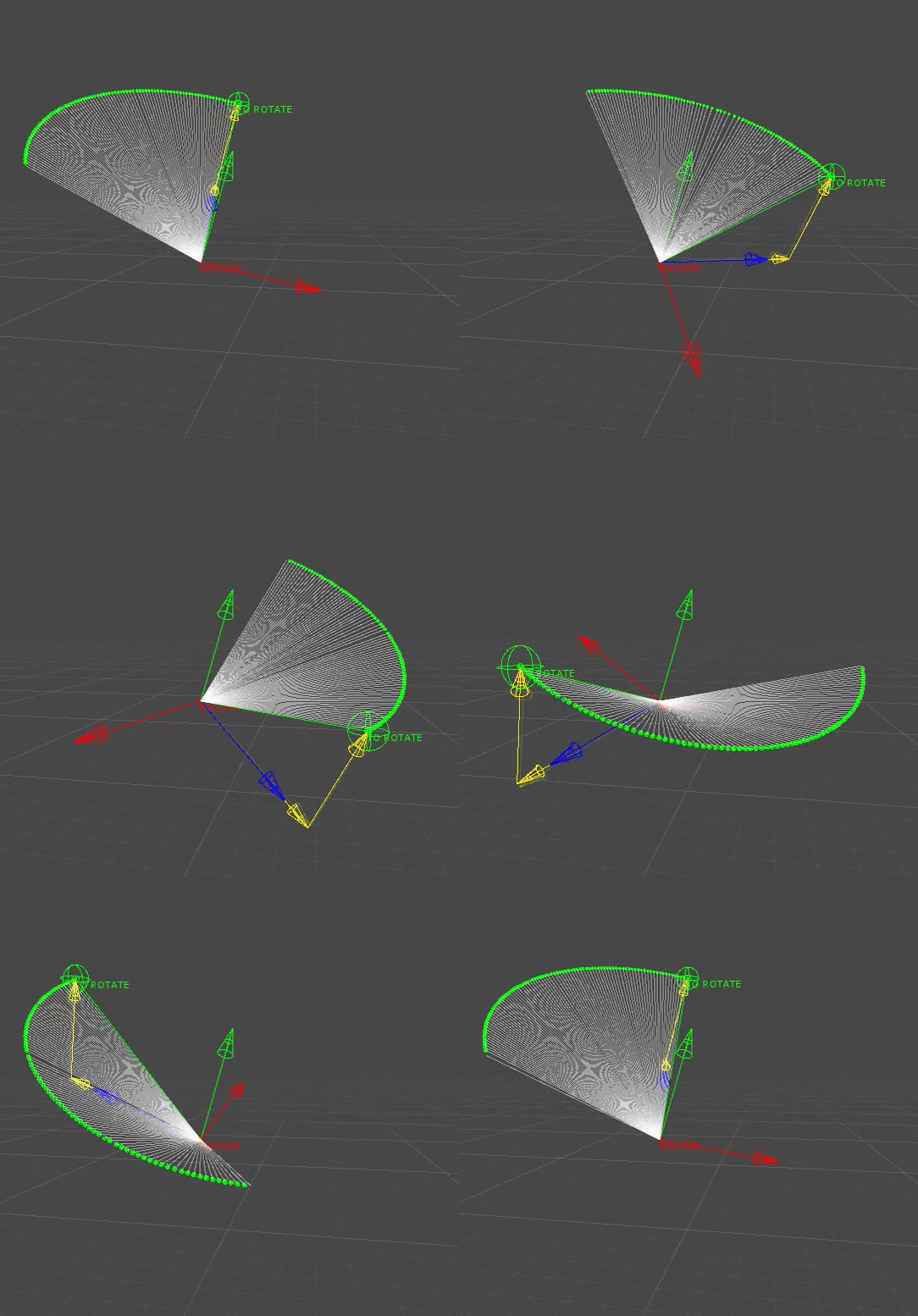
Rotation and Matrix TRS
Rotating a point around another in 3D space from any axis, without gimbal lock, using pure math (matrices and quaternions) and without any Transform or empty GameObject.
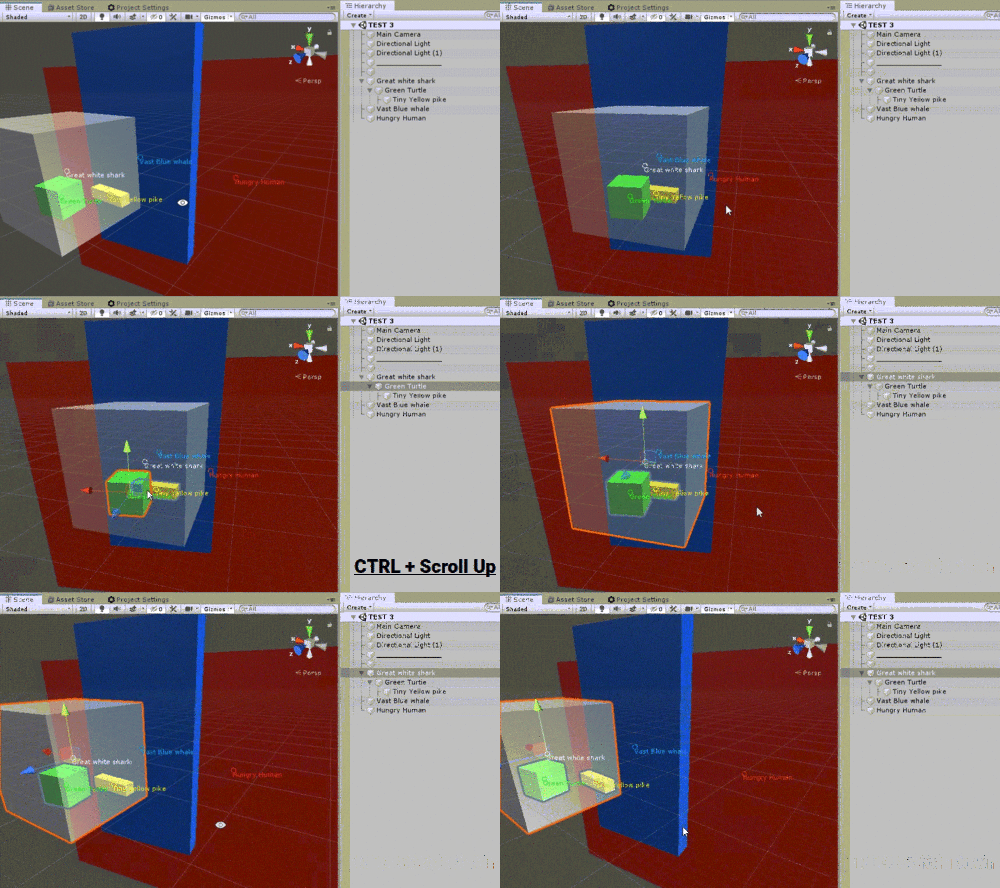
Ultra-fast selection of GameObjects hidden behind others
Quickly select the GameObject you want, even when it is hidden behind others, with a simple click and the scroll wheel.
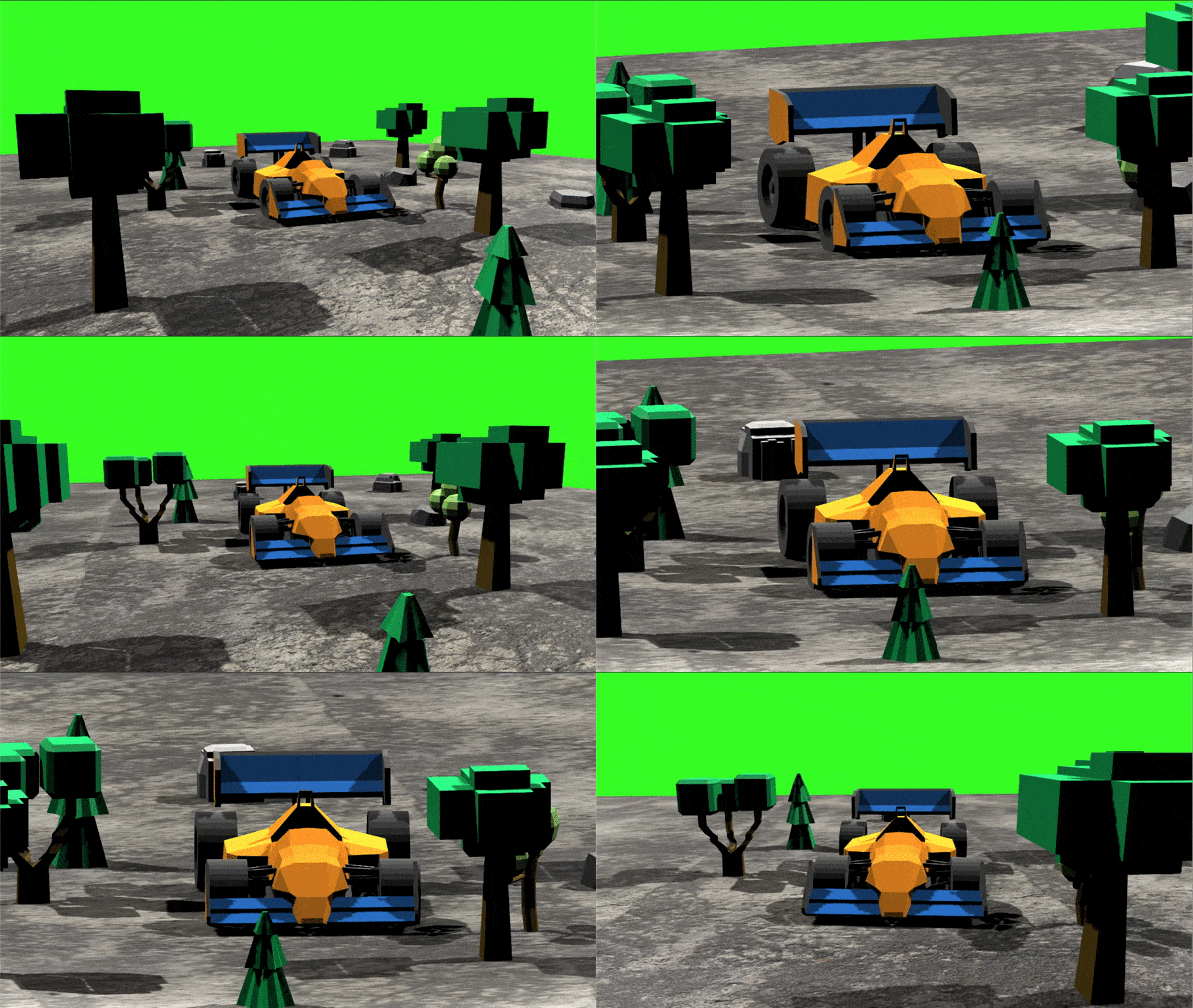
Switch camera projection
Swap the camera projection from perspective to orthographic using a linear interpolation function coupled with an easing function.
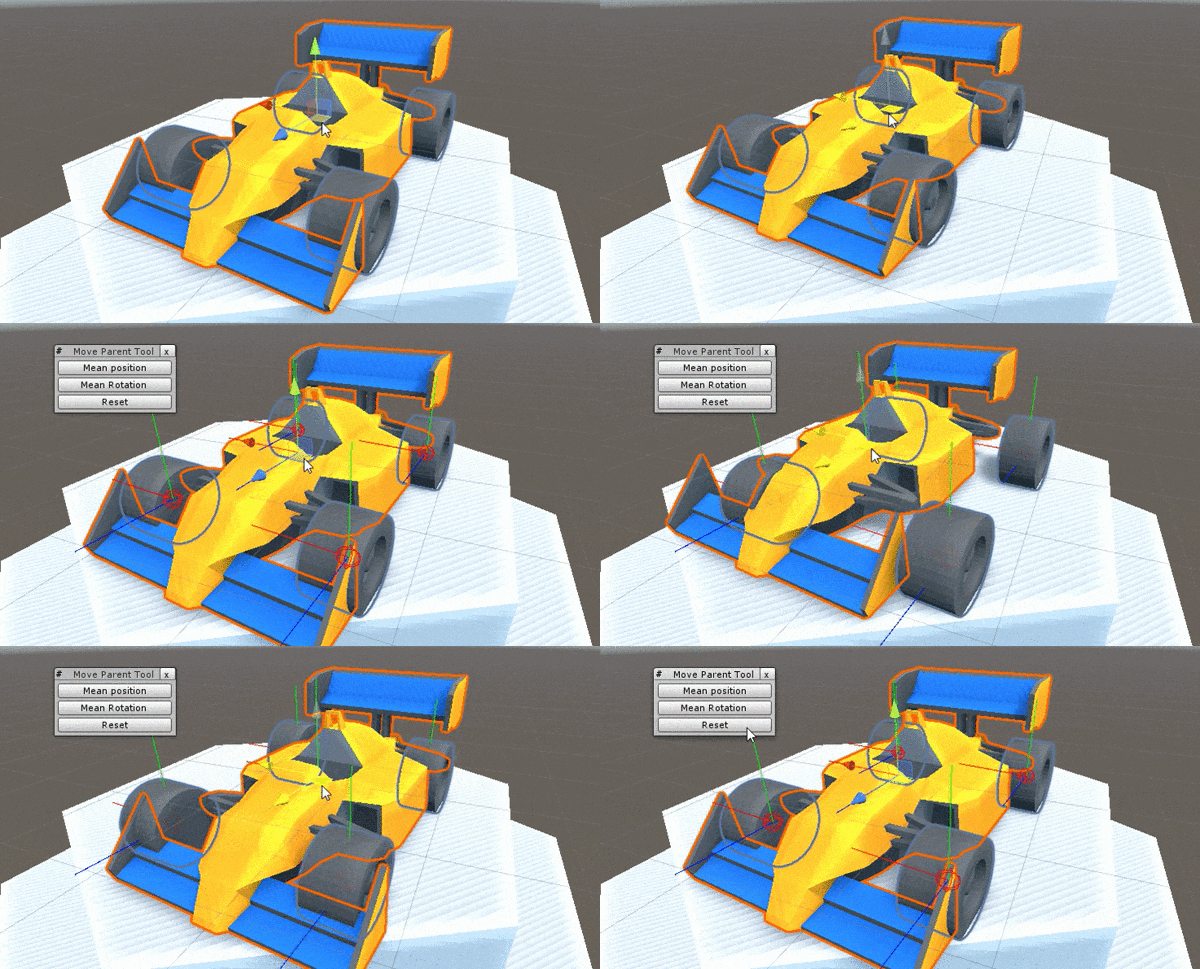
Move a parent and keep its children in place
How to move, rotate and scale a GameObject without affecting its children.
Take a screenshot of an EditorWindow and get the pixel color under the mouse
Take a screenshot of an EditorWindow with a simple key press, to quickly share the Game view or the Profiler with your teammates. Bonus, recreate Unity's color picker by reading a single pixel at the mouse position.
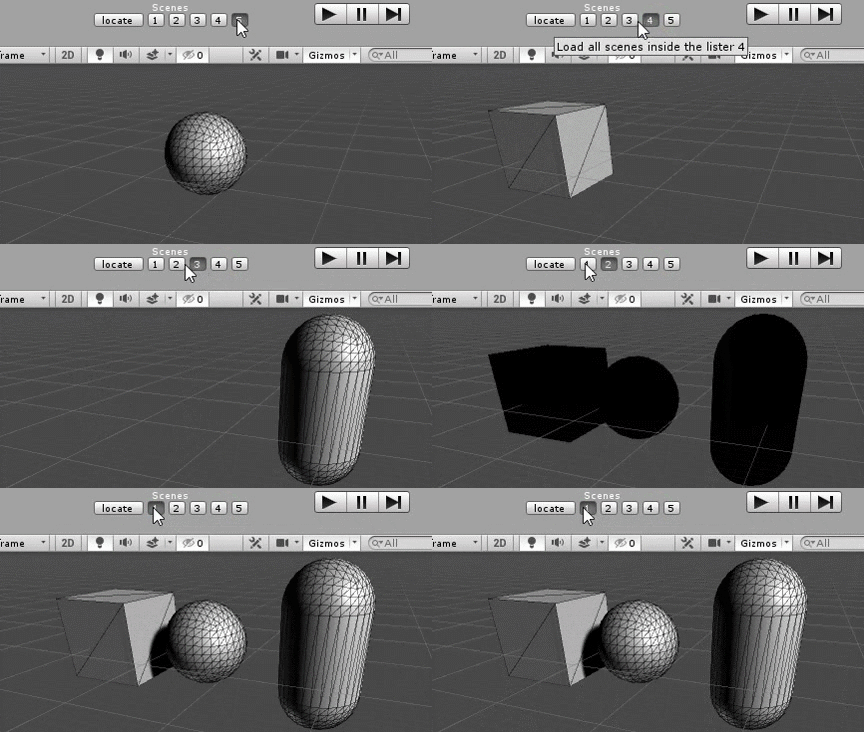
Easy multi-scene editing: load scene groups in editor or at runtime in a single click
Quickly load a group of scenes in Unity, in the editor or during gameplay. Easy to set up with drag & drop, and it keeps track of GameObjects between scenes.
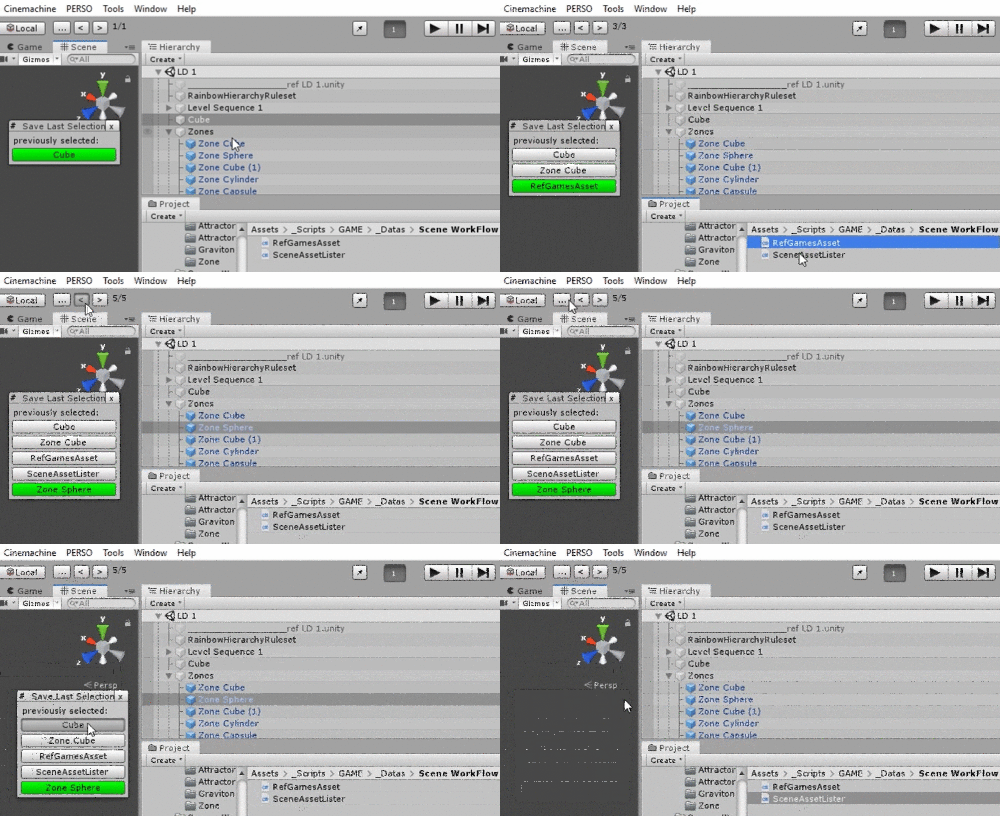
Enhance the Unity workflow by keeping track of previously selected files, assets and GameObjects
Access previously selected objects in Unity with a simple button, to backtrack quickly in large projects.
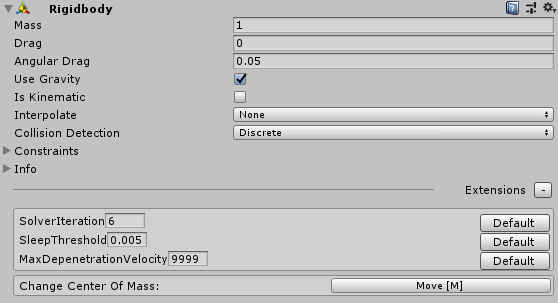
Edit hidden variables of Rigidbody
Change the center of mass and other hidden variables of your Rigidbody directly from the editor.
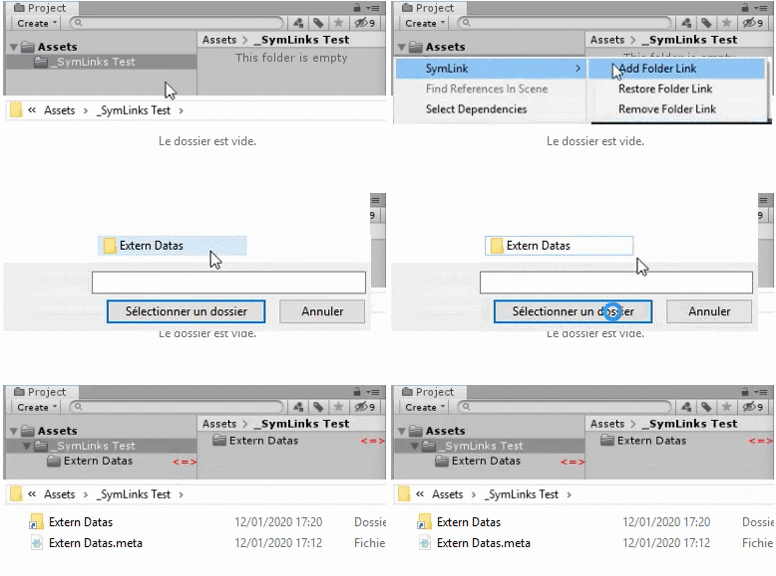
Add / remove a folder junction (symbolic link) inside Unity
Use an external directory inside your Unity project using a folder junction. Unlike a simple symbolic link, a junction can be pushed to git, so you can share a "framework" directory between multiple Unity projects.
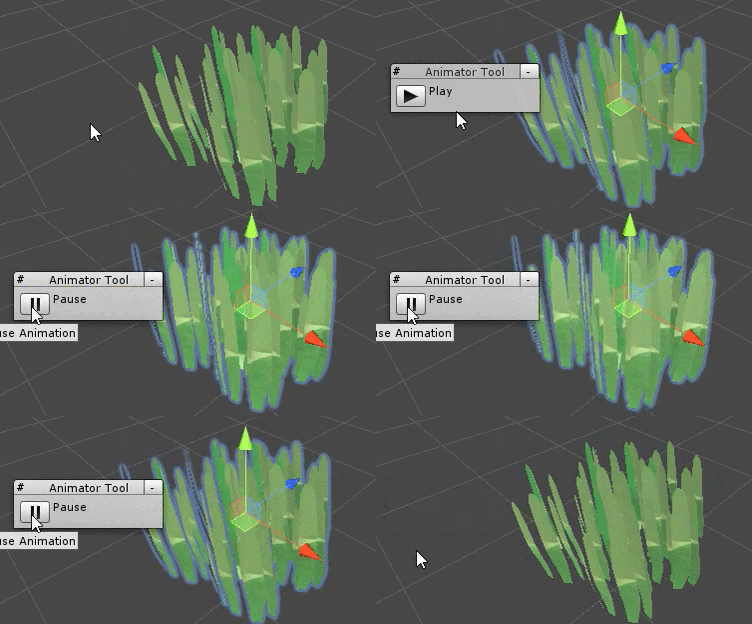
Animator Extension: how to use advanced reflection step by step
Auto-play the first animation of an Animator from the scene view, without any additional script on GameObjects!
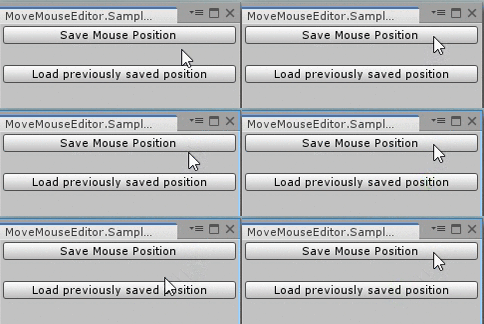
Change the mouse position by code in the editor
Save and load the position of the mouse inside Unity (editor only, Windows), for tools purposes only.
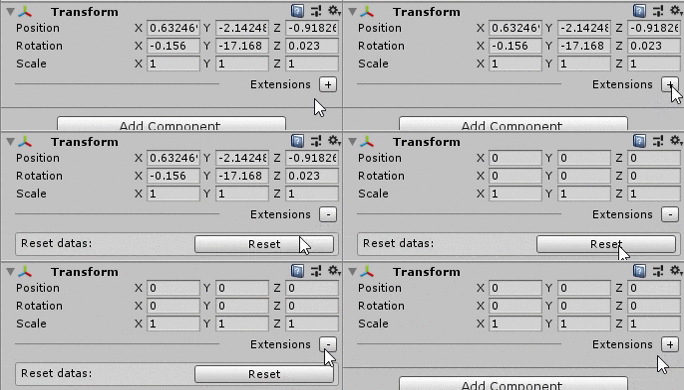
Enhance the built-in components of Unity
Add behavior to any built-in Unity component using custom inspectors and reflection.
Hide GameObjects from the game camera or the scene view
How to hide GameObjects from the game camera, or from the scene view, without deactivating them.

EditorOnly components and actions when building
Remove the components you don't want in the build while keeping them on your GameObjects, and execute actions when you build your application.
Chrono and cooldown timers
For all your timers and cooldowns in Unity. No more Invoke(), coroutines or testing the time the hard way inside Update().
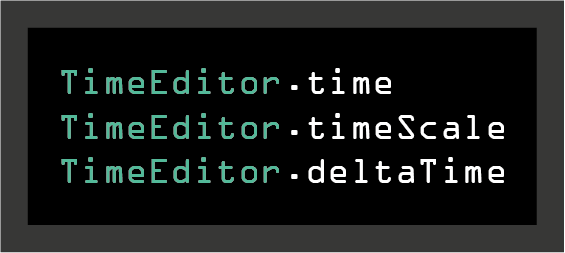
Time, timeScale and deltaTime in the editor
A TimeEditor class which mirrors the behavior of Unity's Time class in edit mode. Useful for tools that need timers and slow motion.